
Instagram Login Code Not Received? Fix It Now!
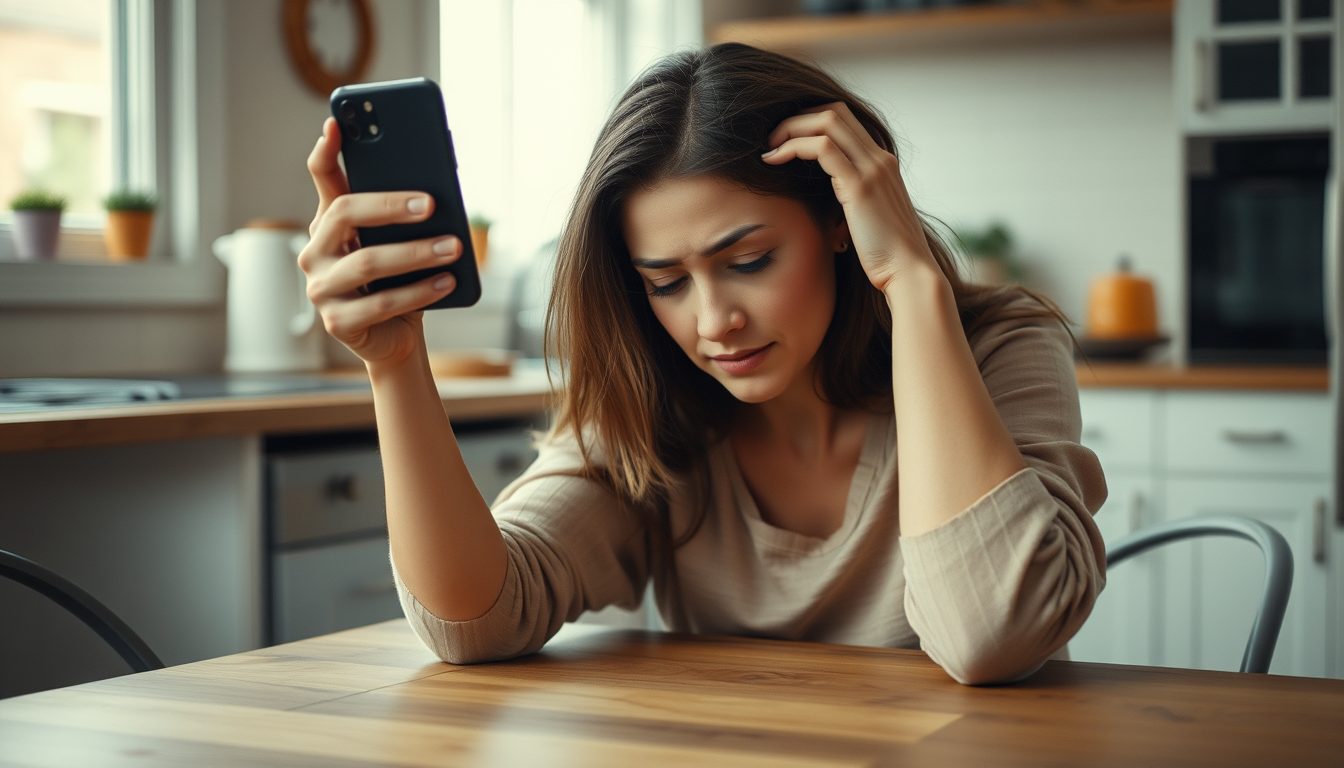
If you're trying to log into Instagram and your verification code isn't arriving, you're not alone. This issue can stem from several common problems, including incorrect contact details, network delays, or app glitches. To resolve it, first ensure your registered phone number or email is correct, check your spam folders, and confirm you have a stable network connection.
Regaining access to your Instagram account is crucial, and understanding why the login code isn't reaching you is the first step toward a solution. Let's dive into the various reasons and practical steps you can take.
Why Your Instagram Login Code Isn't Arriving
Several factors can prevent an Instagram login code from reaching your device. Identifying the root cause will help you apply the correct fix.
1. Incorrect Phone Number or Email Address
The most common reason is simply entering the wrong phone number or email when attempting to log in or request a code. A single typo can lead to the code being sent to a non-existent or incorrect destination.
2. Network or Carrier Issues
- Poor Signal: If your phone has a weak cellular signal, SMS messages might be delayed or not delivered at all.
- Carrier Blocking: Some carriers might inadvertently block messages from unknown or automated numbers, classifying them as spam.
- SMS Delivery Delays: Network congestion or issues on your carrier's side can cause significant delays in SMS delivery.
3. Spam Folder or Blocked Senders
Your phone's messaging app or email service might automatically filter Instagram's verification codes into a spam or junk folder. Check these folders thoroughly. Also, ensure you haven't accidentally blocked Instagram or any numbers associated with verification codes.
4. Instagram System Glitches
Occasionally, Instagram's own verification system might experience temporary outages or delays, preventing codes from being sent out promptly. These issues are usually resolved quickly by Instagram's team.
5. App or Device Problems
- Outdated App: An old version of the Instagram app can sometimes have bugs that interfere with receiving codes.
- Full Message Inbox: Though rare, a completely full SMS inbox might prevent new messages from arriving.
- Device Settings: Specific notification settings or Do Not Disturb modes on your phone could be blocking incoming messages.
6. Too Many Attempts
Requesting too many codes in a short period can sometimes trigger a temporary lockout or delay from Instagram's system, as a security measure to prevent abuse. Wait a while before trying again.
Step-by-Step Troubleshooting to Fix Instagram Login Code Issues
Follow these steps methodically to increase your chances of receiving your Instagram login code and regaining access to your account.
1. Double-Check Your Contact Information
- Verify Phone Number: Ensure you've entered the exact phone number linked to your Instagram account, including the correct country code.
- Verify Email Address: If you're using email for verification, confirm the email address is correct and active.
2. Check Your Network Connection and Restart Devices
- Strong Signal: Move to an area with a better cellular signal or connect to a stable Wi-Fi network.
- Restart Phone: A simple phone restart can often resolve temporary network glitches.
- Restart Instagram App: Close the Instagram app completely and reopen it.
3. Inspect Spam Folders and Blocked Lists
- SMS Inbox: Look for a 'Spam' or 'Junk' folder within your phone's messaging app.
- Email Inbox: Check your email's spam, junk, or promotions folders.
- Blocked Senders: Review your phone's blocked contacts or messages list to ensure Instagram's sender numbers aren't listed.
4. Update the Instagram App and Clear Cache
- Update App: Visit your device's app store (Google Play Store or Apple App Store) and update Instagram to the latest version.
- Clear Cache: For Android users, go to Settings > Apps > Instagram > Storage > Clear Cache. For iOS, offloading the app and reinstalling it can achieve a similar effect without losing data.
5. Try the "Forgot Password" Option Again
If you've tried all the above and still haven't received a code, attempt the "Forgot Password" process again after waiting a few minutes. Sometimes, the system needs a bit more time to process requests.
6. Contact Instagram Support
If all troubleshooting steps fail, your next best option is to contact Instagram's official support. They can investigate account-specific issues and offer direct assistance. Visit help.instagram.com for their support options.
How TextReceiveOnline Can Help with Instagram Verifications
While TextReceiveOnline numbers are primarily used for receiving SMS verifications for new accounts or adding reliable verification methods, they can be a crucial tool if you consistently face issues with your primary number for specific tasks.
Our service provides temporary virtual phone numbers that are ideal for receiving SMS verification codes for over 1000 apps and websites, including Instagram. If you're setting up a new Instagram account, or wish to add a reliable secondary verification number to an existing account, and find your current number unreliable or prefer not to use your personal number, TextReceiveOnline offers a flexible solution.
- Reliable SMS Reception: Our numbers are specifically designed for receiving SMS codes promptly.
- Global Coverage: With numbers available in 180+ countries, you can find a suitable number for your verification needs.
- Flexible Rentals: Choose from temporary numbers or rentals lasting from 1 day to 4 weeks, depending on your needs.
- Pay-as-you-go Model: Our pay-as-you-go system means you only pay when a code is successfully received, ensuring cost-effective usage. Top up your balance conveniently with crypto.
To get started, simply create an account, top up your balance, select a country and service (Instagram), and acquire a number. You'll then use this number to receive your SMS verification code directly on our platform.
Remember to always follow Instagram's Terms of Service when using any verification method. Our numbers are for receiving SMS messages only and do not support voice calls. For more details, explore our FAQ section or our help center.
Frequently Asked Questions
Why isn't Instagram sending me a code?
Instagram codes might not arrive due to incorrect phone numbers, poor network signal, codes being sent to spam folders, Instagram system issues, or problems with your device or app. Reviewing these common causes is the first step to resolving the problem.
What can I do if I don't receive the login code immediately?
First, double-check the phone number or email you provided. Then, check your spam or junk folders, restart your phone and the Instagram app, ensure you have a strong network connection, and try requesting the code again after a short wait. Updating the Instagram app can also help.
Can I use TextReceiveOnline to recover my existing Instagram account if I've lost access to my primary phone number?
TextReceiveOnline provides numbers for receiving new SMS verifications. While useful for setting up new Instagram accounts or adding a reliable secondary verification method to an accessible account, our service is not designed for account recovery where Instagram requires access to a previously registered, lost number. For such situations, you should follow Instagram's official account recovery procedures.
Is it safe to use a temporary number for Instagram verification?
Using a temporary number from TextReceiveOnline for initial Instagram verification or adding a secondary number can be safe, provided you understand the temporary nature of the number. Always adhere to Instagram's Terms of Service. For long-term security, ensure your account has multiple recovery options, including an up-to-date email address, as temporary numbers are not meant for indefinite use as a primary recovery method.
Related guides
-
 Fiverr Login Code Not Received? Here's How to Fix It
-
 Instagram Phone Number for Verification: Your Guide to Privacy & Security
-
 Yahoo Verification Code Not Arriving? Here's Why & How to Fix It!
-
 Facebook Verification Code United States: Your Guide to Secure Access
-
 DoorDash Verification Code Not Received? Here's Why
-
 TikTok Verification Code Not Received? Here's How to Fix It