
TikTok Verification Code Not Received? Here's How to Fix It
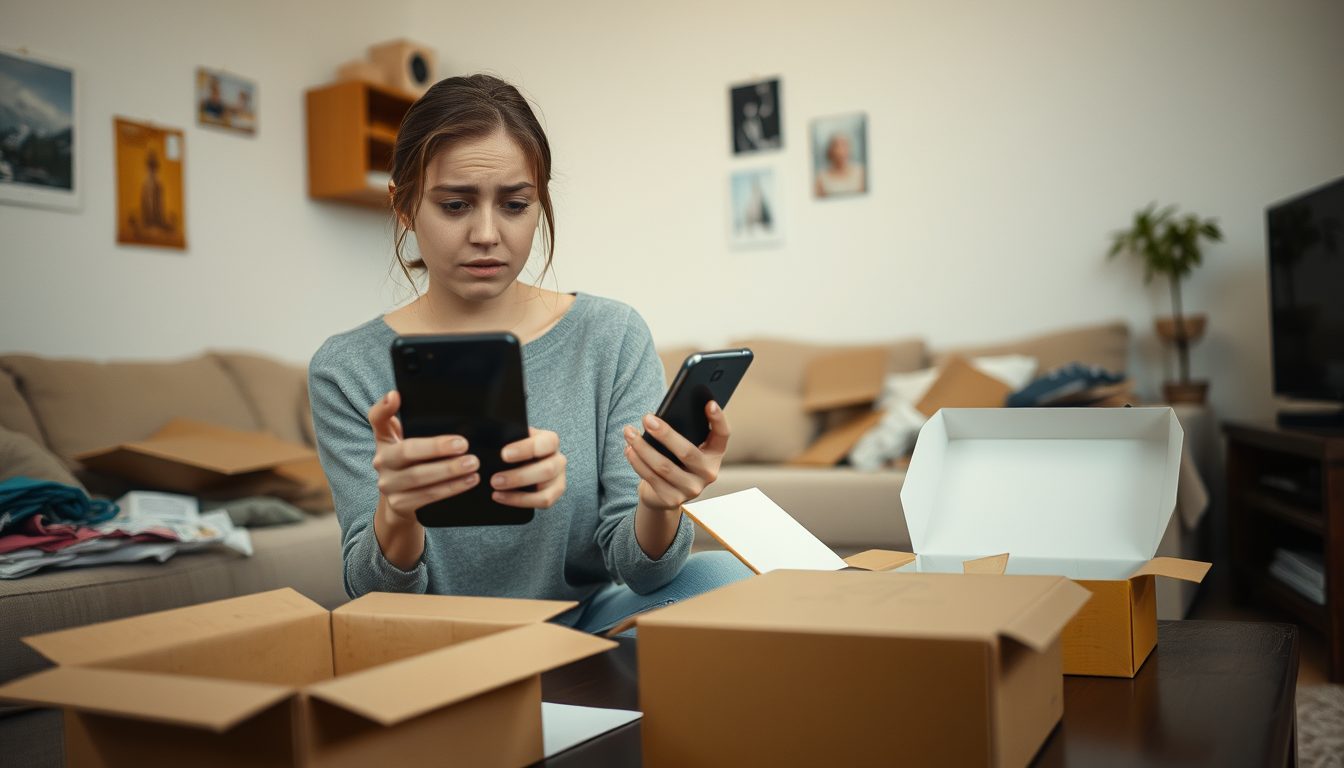
Experiencing issues with your TikTok verification code not arriving can be frustrating, especially when you're eager to access or set up your account. This common problem can stem from several factors, including network connectivity issues, incorrect phone number entry, SMS blocking, or even temporary glitches with TikTok's servers. Fortunately, there are various troubleshooting steps you can take to resolve these issues, and for those seeking a reliable alternative, using a temporary virtual phone number service like TextReceiveOnline offers a flexible solution to ensure you get your verification SMS codes promptly.
Understanding the root cause is the first step. Whether it's a simple typo in your number, a carrier issue, or a more complex problem, addressing these points systematically can help you successfully receive your TikTok verification code and move forward with your account setup or access.
Why Your TikTok Verification Code Isn't Arriving
When you're expecting an SMS verification code from TikTok and it simply doesn't show up, it can be perplexing. Several factors might be at play, each requiring a slightly different approach to resolve. Understanding these common culprits is crucial for effective troubleshooting.
Incorrect Phone Number Entry
This is perhaps the most straightforward reason. A simple typo, an old number, or entering a number with an incorrect country code can prevent the SMS from reaching you. Always double-check the phone number you've entered into TikTok's registration or login form to ensure it's accurate and includes the correct international dialing code.
Network or Carrier Issues
Your mobile network signal strength plays a significant role in SMS delivery. If you're in an area with poor reception, or if your carrier is experiencing temporary outages, SMS messages might be delayed or not delivered at all. Similarly, some carriers might inadvertently block messages from unknown or automated senders, which can include verification codes.
- Poor Signal: Check your phone's signal bars. If low, try moving to an area with better reception.
- Carrier Restrictions: Some carriers have strict spam filters that might block automated messages. Contacting your carrier's support can sometimes help unblock these.
TikTok App or Server Glitches
Like any online service, TikTok can experience temporary server issues or app bugs that interfere with the sending of verification codes. These are usually short-lived, but during such times, codes might not be dispatched reliably.
- App Outdated: Ensure your TikTok app is updated to the latest version. Outdated apps can sometimes have unexpected issues.
- Server Overload: During peak times, TikTok's servers might be overloaded, leading to delays in SMS delivery.
SMS Blocking or Filtering on Your Device
Your phone's settings might be preventing you from receiving messages. This could be due to:
- Spam Filters: Many smartphones have built-in spam filters. Check your messaging app's spam or junk folder.
- Blocked Numbers: You might have accidentally blocked TikTok's SMS sender number. Review your phone's blocked numbers list.
- Do Not Disturb Mode: While typically affecting notifications, in some configurations, this mode might prevent SMS alerts.
Delays in SMS Delivery
Sometimes, the code is sent but takes longer than expected to arrive. This can be due to network congestion, international routing delays, or issues on the sender's (TikTok's) side. Patience can sometimes be key, but if the delay is excessive, it's worth investigating other causes.
Troubleshooting Steps for Your Personal Phone Number
Before considering alternative solutions, it's always best to try some standard troubleshooting steps for your primary phone number:
- Double-Check the Phone Number: This is paramount. Ensure every digit and the country code are correct.
- Restart Your Phone: A simple restart can often resolve minor network connectivity issues and refresh your phone's connection.
- Check Your Signal: Make sure you have adequate cellular signal. If you're on Wi-Fi, ensure it's stable. Try toggling airplane mode on and off.
- Clear TikTok App Cache: Go to your phone's settings, find the TikTok app, and clear its cache. This can resolve app-specific glitches.
- Check SMS Block List & Spam Folder: Look into your phone's messaging app for a 'spam,' 'junk,' or 'blocked numbers' section.
- Disable VPN: If you're using a VPN, try disabling it temporarily, as it might interfere with location-based services or network routing.
- Request a New Code (After a Wait): If the code doesn't arrive within a few minutes, wait a reasonable period (5-10 minutes) before requesting another code. Repeated requests too quickly can sometimes flag your number or cause further delays.
- Contact Your Mobile Carrier: If none of the above works, there might be an issue on your carrier's end. They can check if there are any blocks on receiving SMS from short codes or automated services.
- Check TikTok's Official Support: Visit the official TikTok support page for any service outage announcements or specific troubleshooting advice.
Using a Virtual Number for TikTok Verification with TextReceiveOnline
Sometimes, your personal number might persistently fail to receive codes, or you might prefer not to use your primary number for various online verifications. This is where a virtual phone number from TextReceiveOnline can be an incredibly useful tool. Our service provides temporary numbers specifically designed for receiving SMS verification codes for over 1000 apps, including TikTok, across 180+ countries.
TextReceiveOnline offers a flexible and reliable way to receive your TikTok verification code without exposing your personal phone number. Our numbers are for receiving SMS messages only; they do not support voice calls. This makes them perfect for one-time or temporary verification needs.
How TextReceiveOnline Works for TikTok Verification:
- Create an Account: Start by visiting our registration page to set up your TextReceiveOnline account. The process is quick and straightforward.
- Top Up Your Balance: Our service operates on a pay-as-you-go prepaid balance. You can easily top up your account balance, including using cryptocurrency for convenience. A temporary number is only charged when a code successfully arrives.
- Select Your Country and Service: Choose from our extensive list of available countries and select "TikTok" as the service you need a number for. This ensures you get a number suitable for TikTok's verification system in your desired region.
- Get a Temporary Number: Our system will provide you with a unique, temporary phone number. You can rent these numbers for durations ranging from 1 day to 4 weeks, depending on your needs.
- Enter the Number into TikTok: Copy the provided virtual number and paste it into the phone number field on TikTok's registration or login page.
- Receive the SMS Code: The verification code sent by TikTok will appear directly on your TextReceiveOnline dashboard. You'll see it arrive in real-time, allowing you to quickly retrieve it.
- Complete Your TikTok Verification: Use the received code to complete your TikTok account setup or login process.
This method is ideal for users who need a quick, secure, and temporary solution for SMS verification, especially if their primary number is facing issues or if they prefer to keep their personal information private. Always remember to follow TikTok's terms of service when creating and managing your accounts.
Important Considerations When Using Virtual Numbers
While virtual numbers offer significant benefits, it's important to keep a few things in mind to ensure a smooth experience:
- Temporary Nature: Our numbers are temporary. If you need a number for longer-term use, consider our rental options for up to 4 weeks. For one-time verifications, the short-term rentals are perfect.
- SMS Only: Remember, these numbers are designed exclusively for receiving SMS messages. They cannot be used for voice calls or outgoing texts.
- Pay-As-You-Go: You only pay for a number once a code is successfully received. If no code arrives, you won't be charged for that attempt, allowing you to try another number without penalty.
- Country Selection: Choose a number from the country relevant to your TikTok account's region or the region you wish to appear from, if that is a factor for TikTok's verification process.
For more details on how our service works or answers to common questions, please visit our Frequently Asked Questions page or explore our Help Center.
Frequently Asked Questions
Why might my personal phone number not receive TikTok verification codes?
Common reasons include incorrect number entry, poor network signal, carrier-imposed SMS blocks, an outdated TikTok app, or temporary server issues on TikTok's end. Checking these factors first is usually the most effective troubleshooting step.
Can I rely on TextReceiveOnline's numbers for all my TikTok verification needs?
TextReceiveOnline provides temporary numbers specifically for receiving SMS verification codes for TikTok and hundreds of other apps. Our platform ensures you receive the code online, offering a reliable alternative, especially when your primary number is encountering issues. Remember, our numbers are for SMS receipt only.
What if I don't receive the TikTok code even with a virtual number from TextReceiveOnline?
If a code doesn't arrive on a temporary number from TextReceiveOnline, you are not charged for that attempt. This allows you to easily try another available number until you successfully receive your code. We encourage trying a different number or country if the first attempt isn't successful.
Are the virtual numbers from TextReceiveOnline truly temporary?
Yes, our numbers are temporary. You can rent them for a short period, typically from 1 day up to 4 weeks, depending on your specific needs. This makes them ideal for single-use verification or short-term account management, ensuring your primary number remains private.
Related guides
-
 Anonymous TikTok: Create an Account with Privacy
-
 Free TikTok SMS Receive: Understanding Your Options
-
 Turkey Number for TikTok Verification: Your Best Option
-
 Discord Verification Code Not Received in Thailand? Solutions!
-
 DoorDash Verification Code Not Received? Here's Why
-
 AOL OTP Not Received? Solutions & Virtual SMS Tips