
DoorDash OTP Not Received? Fix Login & Verification Issues
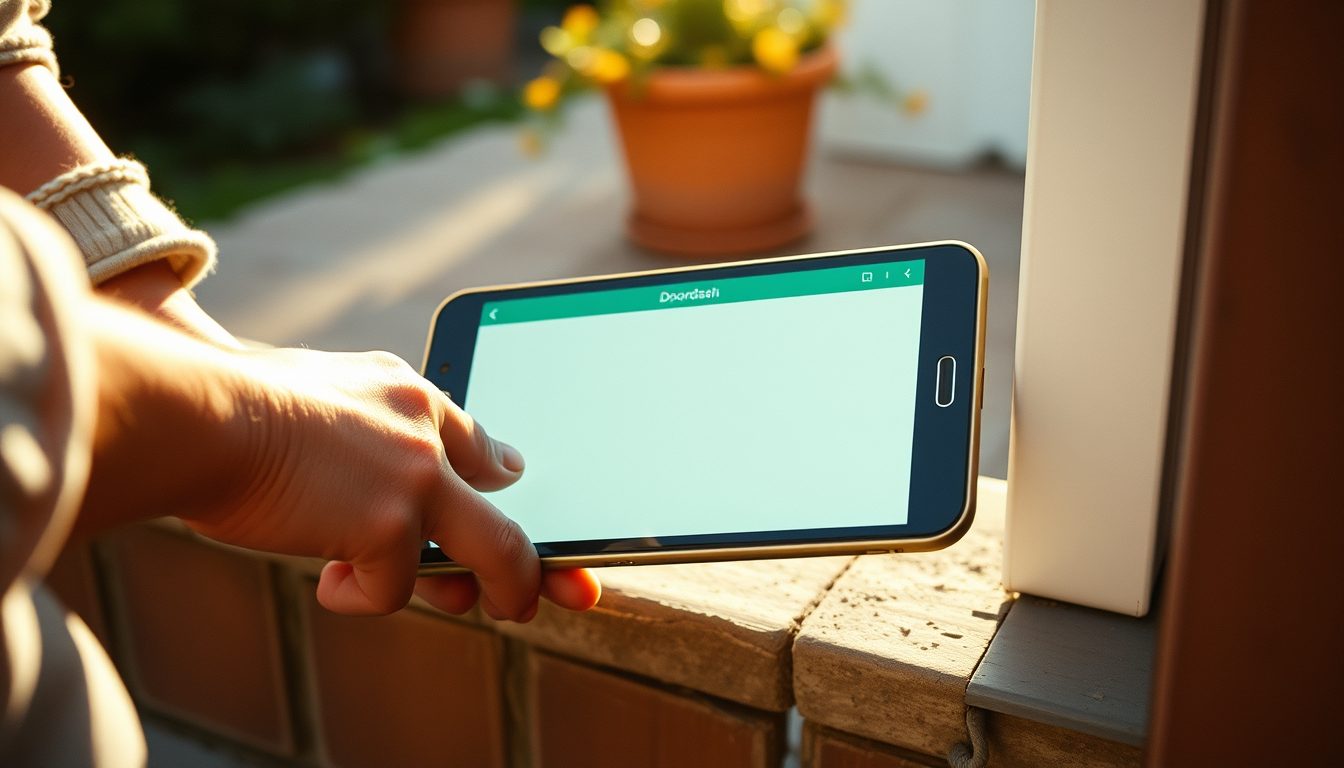
If you're trying to log in or verify an action on DoorDash and find your OTP (One-Time Password) is not arriving, it's a frustrating but common problem. The primary reasons for a DoorDash OTP not being received typically involve issues with network connectivity, an incorrect phone number in your account settings, or temporary glitches within the DoorDash app or your device. Resolving this usually starts with checking your basic phone settings, restarting the application, or considering an alternative verification method if your primary number is consistently failing.
Understanding the root cause is the first step to getting your verification code and continuing with your DoorDash activities, whether you're a customer placing an order or a driver accepting a delivery. This guide will walk you through common culprits and effective solutions, including how a temporary virtual phone number can offer a reliable backup.
Why Your DoorDash OTP Isn't Arriving: Common Culprits
OTP delivery relies on several factors, and a hiccup in any of them can prevent your DoorDash code from reaching you. Here are the most frequent reasons:
Network Connectivity Issues
- Weak Signal: If you're in an area with poor cellular reception, SMS messages might be delayed or fail to arrive altogether.
- Airplane Mode: Accidentally enabling airplane mode will block all cellular communications, including SMS.
- Data/Wi-Fi Issues: While OTPs are SMS based, a stable internet connection is often needed for the DoorDash app to function correctly and trigger the OTP request.
Incorrect Phone Number or Account Settings
- Typos: A single digit error in the phone number registered with DoorDash will prevent the OTP from being delivered to your device.
- Outdated Number: If you've recently changed your phone number but haven't updated it on your DoorDash account, the OTP will be sent to the old number.
- Country Code Errors: Ensure the correct country code is selected for your phone number.
App or Device Glitches
- Outdated App: An old version of the DoorDash app might have bugs that interfere with the OTP request process.
- Full Cache: Accumulated cache data in the app can sometimes cause performance issues, including OTP delivery failures.
- Software Bugs: Your phone's operating system or messaging app might have a temporary bug.
SMS Blocking or Filters
- Spam Filters: Some phone models or carrier services have aggressive spam filters that might mistakenly block legitimate OTP messages from DoorDash.
- Blocked Sender: You might have inadvertently blocked the short code or number DoorDash uses for sending OTPs.
- "Do Not Disturb" Mode: This setting can silence notifications, making it seem like the OTP hasn't arrived even if it has.
Server-Side Delays or High Traffic
- DoorDash System Issues: Occasionally, DoorDash's own servers might experience temporary delays in sending out OTPs due to high demand or maintenance.
- Carrier Delays: Rarely, the cellular carrier network itself might have delays in SMS delivery.
Too Many Attempts
- If you've requested multiple OTPs in a short period, DoorDash might temporarily block further attempts to prevent abuse, triggering a cooldown period.
Immediate Troubleshooting Steps for DoorDash OTP Issues
Before considering alternative solutions, try these immediate fixes:
- Check Your Phone Number: Double-check the phone number associated with your DoorDash account for any typos. If you can access your account, verify it in your profile settings.
- Restart Your Device and App: A simple restart can often clear temporary software glitches. Close the DoorDash app completely, restart your phone, and then reopen the app to request the OTP again.
- Verify Network Connection: Ensure you have a strong cellular signal. If you're on Wi-Fi, try switching to mobile data (or vice-versa) to rule out connection specific issues. Turn Airplane Mode off if it's on.
- Clear App Cache and Data: Go to your phone's app settings, find DoorDash, and clear its cache. On Android, you can also try clearing data (note: this will log you out and require re-login).
- Disable SMS Filters/Blockers: Check your phone's messaging app settings for any spam filters or blocked numbers that might be preventing DoorDash OTPs.
- Update DoorDash App: Visit your device's app store (Google Play Store or Apple App Store) and ensure your DoorDash app is updated to the latest version.
- Try Again Later: If you suspect server-side delays or have made too many attempts, wait 10-15 minutes before trying to request a new OTP.
- Contact DoorDash Support: If none of the above steps work, reach out to DoorDash's official support. They can investigate account-specific issues or report system-wide problems. You can typically find their contact options through their help portal: DoorDash Login Help.
When a Temporary Virtual Number Can Be Your Solution
Sometimes, your primary phone number might simply not be reliable for receiving OTPs, or you might need an alternative for privacy or convenience. This is where a temporary virtual phone number becomes invaluable. These numbers are perfect for receiving SMS verification codes without exposing your personal number to various online services.
Consider using a temporary virtual number if:
- Your primary number consistently fails to receive OTPs due to carrier issues or persistent blocking.
- You need to sign up for a temporary DoorDash account (e.g., for a short trip, a different region) and don't want to use your main number.
- You wish to maintain privacy and keep your personal phone number off online platforms where it might be exposed to marketing calls or spam.
- You've changed your physical number and need a temporary solution before updating your DoorDash account fully.
How TextReceiveOnline Helps with DoorDash OTPs
TextReceiveOnline provides temporary virtual phone numbers specifically designed for receiving SMS verification codes like those from DoorDash. Our service offers a reliable way to get your OTP quickly and efficiently, ensuring you can access your DoorDash account without unnecessary delays.
Here's how we can assist:
- Instant SMS Reception: Our numbers are active and ready to receive SMS messages immediately after selection. When you use one for DoorDash verification, the code appears on our platform within seconds.
- Global Coverage: We offer numbers from over 180 countries, giving you flexibility no matter where you need to verify your DoorDash account. Explore our country coverage to find a suitable number.
- Flexible Rentals: You can rent numbers for a short duration, typically from 1 day up to 4 weeks, depending on your needs. This is ideal for one-time verifications or temporary use.
- Pay-As-You-Go System: Our service operates on a convenient prepaid balance system. You only pay for a number when an SMS code is successfully received, making it a cost-effective solution. Learn more about our system on our pricing page.
- Easy Top-Up: Replenish your balance effortlessly using various methods, including cryptocurrency, for quick and secure transactions.
- SMS Only: Our numbers are dedicated to receiving SMS messages. They do not support voice calls, ensuring a streamlined focus on verification.
The process is straightforward: You create an account, top up your balance, select a country and service (like DoorDash), get a temporary number, use that number on the DoorDash verification screen, and the OTP will appear in your TextReceiveOnline dashboard. This allows you to complete your verification without hassle.
Maintaining Account Security and Adhering to DoorDash's Terms
While using virtual numbers for OTPs is a legitimate practice, it's crucial to always use them responsibly and in adherence to DoorDash's terms of service. Our service is designed to provide you with a reliable means of receiving SMS verification, not to facilitate any activity that violates platform policies. We encourage all users to review DoorDash's guidelines regarding account creation and usage to ensure compliance.
Conclusion
Experiencing DoorDash OTP not received issues can be frustrating, but with a systematic approach, you can usually resolve the problem. Start by troubleshooting common issues like network problems, incorrect numbers, and app glitches. If traditional methods fail, a temporary virtual phone number from TextReceiveOnline offers a robust and private alternative for receiving your DoorDash verification codes, ensuring you can always access your account with ease. For more detailed support, visit our help center.
Frequently Asked Questions
Why is my DoorDash OTP taking so long?
DoorDash OTPs can be delayed due to weak network signal, an overloaded carrier network, DoorDash server issues, or spam filters on your device. Ensure your phone has good reception and check your SMS blocking settings.
Can I use a virtual number for DoorDash verification?
Yes, you can use a temporary virtual number from services like TextReceiveOnline to receive DoorDash OTPs. This is a reliable option if your primary number has issues or if you prefer to keep your personal number private. Our numbers are specifically for SMS reception.
What should I do if none of the troubleshooting steps work?
If basic troubleshooting doesn't resolve the issue, contact DoorDash support directly. They can check your account status and investigate any platform-specific problems preventing OTP delivery. As a last resort, consider using a temporary virtual number for verification.
Are TextReceiveOnline numbers permanent?
TextReceiveOnline provides temporary numbers with rental periods ranging from 1 day to 4 weeks. These numbers are ideal for one-time verifications or short-term use and are not designed for permanent association with your accounts, focusing on privacy and flexibility.
Related guides
-
 5sim Not Sending Verification Code? Solutions & Alternatives
-
 Hinge Verification Not Working? Fix SMS Code Issues
-
 Proton Mail Verification Code: Solutions & Troubleshooting
-
 Kohl's Verification Code: Secure Your Account Access
-
 Discord Verification Code Not Received in France: Solutions
-
 TikTok Verification Code Not Received? Here's How to Fix It