
Boost Mobile SMS Activation: Troubleshooting & Tips
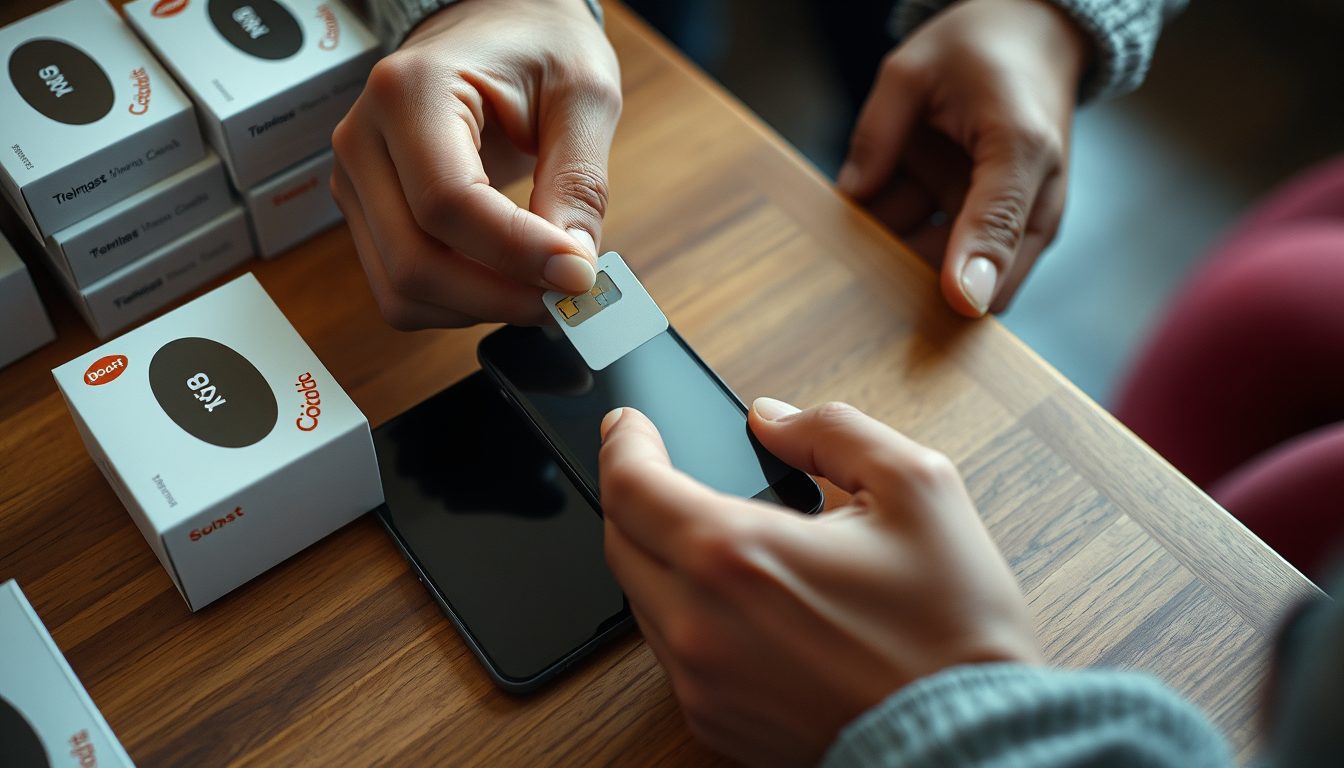
Successfully activating your Boost Mobile service and ensuring your SMS functionality works seamlessly is crucial for staying connected. This often involves receiving activation codes or verification messages. If you're encountering issues with Boost Mobile SMS activation, it's typically related to network settings, device configuration, or account status. For other online registrations requiring SMS verification, a service like TextReceiveOnline can provide a convenient solution, offering temporary numbers for a wide array of apps and services.
Boost Mobile, like any mobile carrier, relies on a robust system to deliver SMS messages. When you activate a new Boost Mobile device or service, receiving an initial SMS confirmation or activation code is a common step. Problems at this stage can prevent you from fully utilizing your phone's capabilities, including receiving important one-time passwords (OTPs) for app sign-ups or other essential communications.
Understanding Boost Mobile SMS Activation
When we talk about Boost Mobile SMS activation, it generally refers to two scenarios:
- Initial Service Activation: This is when you first set up your Boost Mobile account and device. The system sends an SMS to confirm your number is active and ready to use.
- Feature Activation: Sometimes, specific features or updates might require an SMS confirmation.
- General SMS Functionality: Ensuring your phone can reliably send and receive text messages, including OTPs for third-party apps and services.
A functional SMS service is fundamental not just for personal communication but also for the security protocols of many online platforms that use phone verification as a primary method to confirm your identity or log in.
Common Reasons for Boost Mobile SMS Activation Issues
Several factors can interfere with your Boost Mobile SMS functionality or activation process:
- Network Coverage: Poor signal strength or no network coverage is the most common culprit.
- APN Settings: Incorrect Access Point Name (APN) settings can prevent your phone from communicating with Boost Mobile's data and SMS network.
- SIM Card Issues: A damaged, improperly inserted, or inactive SIM card can lead to SMS problems.
- Device Settings: Airplane mode, call barring, message blocking, or full message storage on your phone can disrupt SMS.
- Account Status: An inactive account, overdue payment, or certain account restrictions can impact service.
- Software Glitches: An outdated operating system or a temporary bug in your phone's software.
- SMS Center Number: An incorrect SMSC (SMS Service Center) number in your phone's settings.
Troubleshooting Boost Mobile SMS Verification Problems
If your Boost Mobile SMS activation isn't going smoothly, try these common troubleshooting steps:
1. Check Your Network Signal
Ensure you have a strong Boost Mobile signal. Move to an open area, away from obstructions, and restart your phone. Sometimes, a quick reboot can re-establish network connection.
2. Verify APN Settings
Incorrect APN settings are a frequent cause of SMS and data issues. You can usually find the correct Boost Mobile APN settings on their official support website. Navigate to your phone's settings:
- Android: Settings > Network & internet > Mobile network > Advanced > Access Point Names.
- iPhone: Settings > Cellular > Cellular Data Network (though iPhones often configure this automatically).
Make sure they match Boost Mobile's recommendations. If unsure, you can often reset APN settings to default.
3. Inspect Your SIM Card
Turn off your phone, remove the Boost Mobile SIM card, inspect it for damage, clean the contacts gently, and reinsert it securely. Power on your phone and test.
4. Review Device Settings
- Airplane Mode: Ensure Airplane Mode is off.
- Blocked Numbers: Check if the sender's number (e.g., the activation service) is accidentally blocked.
- Message Storage: Clear old messages if your SMS inbox is full.
- Software Update: Ensure your phone's operating system is up to date.
- Restart Your Phone: A simple restart can resolve temporary software glitches.
5. Check Your Boost Mobile Account
Log in to your Boost Mobile account online or contact their customer service to ensure your account is active, in good standing, and doesn't have any service restrictions that might affect SMS delivery. For official support and up-to-date information, always refer to the Boost Mobile support page.
When TextReceiveOnline Can Help with Other Verifications
While TextReceiveOnline does not provide numbers for activating your primary mobile carrier like Boost Mobile itself, it offers a valuable service for secondary online verifications. If you need a temporary phone number to receive an SMS verification code for signing up for an app, a social media platform, or any other online service, TextReceiveOnline is an excellent resource.
Our service allows you to get a virtual number specifically for receiving SMS messages. This can be particularly useful if:
- You want to keep your primary Boost Mobile number private for certain online registrations.
- You need to verify an account on an app or service that might be restricted to certain countries, and you need a number from that region. We offer numbers from 180+ countries.
- You're testing a new service and don't want to commit your main phone number.
How TextReceiveOnline Works
Our process is straightforward and designed for quick, hassle-free SMS reception:
- Create an Account: Register on our platform in minutes.
- Top Up Balance: Our service operates on a pay-as-you-go model. You top up your prepaid balance, and a temporary number is charged only when a code arrives. We support various top-up methods, including crypto. For details on our pricing, visit our pricing page.
- Select Country and Service: Choose the country and the specific app or service you need to verify.
- Get a Number: We provide you with a temporary virtual number. These numbers are for receiving SMS only, no voice calls, and are available for rentals from 1 day to 4 weeks.
- Receive SMS: Use this number to register on your chosen platform. The SMS verification code will appear on our website almost instantly.
This method ensures you get the OTP you need without exposing your personal Boost Mobile number to every online service. It's a secure and convenient way to manage your digital verifications. We also offer free public test numbers for basic checks, though these are shared and not suitable for private verifications.
Maximizing Your SMS Verification Success
Whether you're troubleshooting your Boost Mobile service or using a temporary number for other verifications, remember to:
- Follow App Guidelines: Always adhere to the terms of service of the app or platform you are verifying.
- Check for Delays: Sometimes, SMS delivery can be delayed due to network congestion, especially during peak times.
- Use Reliable Services: For critical verifications, ensure you're using a trusted platform for your virtual numbers.
By understanding the mechanisms of Boost Mobile SMS activation and knowing when to leverage services like TextReceiveOnline, you can ensure a smoother and more private online experience. For more detailed questions about our service, check out our FAQ or help center.
Frequently Asked Questions
Why is my Boost Mobile SMS not working for activation?
Common reasons include poor network signal, incorrect APN settings, issues with your SIM card, device settings like airplane mode or message blocking, or problems with your Boost Mobile account status. Check your network, APN settings, restart your phone, and ensure your account is active.
Can I use a TextReceiveOnline number to activate my Boost Mobile service?
No, TextReceiveOnline provides temporary virtual numbers for receiving SMS verifications for various *other* apps and online services, not for activating a primary mobile carrier's service like Boost Mobile itself. You need a physical Boost Mobile SIM card and an active Boost Mobile plan for carrier activation.
What causes SMS delays on Boost Mobile?
SMS delays can be caused by network congestion, especially during high traffic periods, poor signal strength in your location, issues with the sender's network, or temporary glitches on your device or Boost Mobile's network. Restarting your phone and checking network status often helps.
How do I check my Boost Mobile service status?
You can check your Boost Mobile service status by logging into your account on the Boost Mobile website or app, or by contacting their customer service directly. This will confirm if your account is active and if there are any service interruptions in your area.
Related guides
-
 Non VoIP Number for Boost Mobile: Verifying Your Account
-
 Temporary Phone Number for Boost Mobile: What You Need to Know
-
 Uber SMS Activation: Your Complete Guide to Verification & Troubleshooting
-
 Snapchat SMS Activation: Guide to Verification
-
 Tumblr SMS Activation: Your Guide to Verification
-
 Prime Video SMS Activation: Your Complete Guide