
Verification Code Not Sending: Common Issues & Fixes
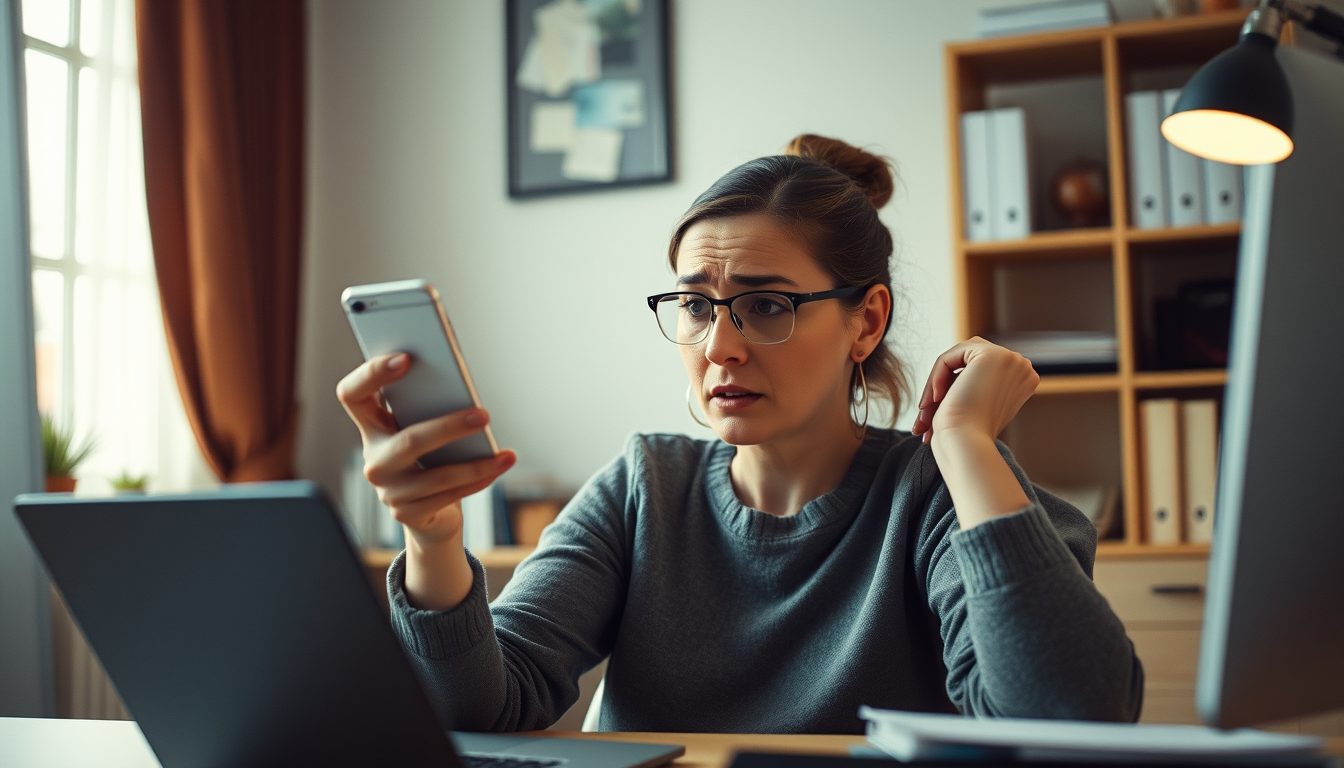
Why Your Verification Code Isn't Sending and How to Fix It
Experiencing a verification code not sending can halt your progress when signing up for a new service or logging into an existing account. Usually, this issue stems from a temporary network glitch, an incorrect phone number entry, or a specific problem with the service attempting to send the SMS. Successfully resolving it typically involves methodically checking your device settings, reconfirming your entered phone number, or reaching out to the service's support.
It's a common hurdle, but thankfully, most instances of a missing SMS verification code have straightforward solutions. Whether you're trying to access a social media platform, a messaging app, or an online service, receiving that crucial one-time password (OTP) is essential. Let's delve into the most frequent reasons why your code might not be arriving and the steps you can take to troubleshoot the problem effectively.
Common Reasons Your Verification Code Isn't Sending
Understanding the root cause is the first step toward a solution. Here are the most prevalent issues that prevent verification codes from reaching your phone:
- Incorrect Phone Number Entry: This is by far the most common culprit. A simple typo, a missing digit, or an incorrect country code can prevent the SMS from ever reaching you. Always double-check the number you've entered, paying close attention to every character, including the international dialing prefix.
- Poor Network Signal or Connectivity Issues: If your phone has a weak cellular signal or is experiencing temporary network outages, SMS messages may be delayed or fail to arrive. This can happen in rural areas, inside buildings, or during peak network usage times. Ensure your phone has a strong signal or try moving to an area with better reception.
- Carrier Blocking or Filtering: Mobile carriers sometimes block messages from unknown senders, shortcodes, or bulk SMS services if they suspect spam or fraud. While well-intentioned, this can inadvertently filter legitimate verification codes. Some carriers also have stricter policies regarding international SMS.
- Device Spam Filters or Blocking Settings: Your phone's messaging app or operating system might have built-in spam filters that mistakenly divert legitimate verification codes to a spam folder or block them entirely. Check your messaging app's settings for any blocked numbers or spam message folders.
- App or Service-Specific Issues: The platform or app you are trying to verify might be experiencing server issues, high traffic, or a temporary outage that prevents them from sending SMS codes efficiently. These issues are on their end and usually resolve themselves over time, but can cause significant delays.
- International SMS Delivery Challenges: Some services may have difficulties sending SMS to certain countries or specific types of phone numbers, especially if their SMS gateway provider has limitations or high costs associated with those regions.
- Restrictions on Virtual or VoIP Numbers: While many services accept virtual numbers, some platforms have specific policies against them for verification purposes, especially if they are trying to ensure a physical device is associated with the account. If you're using a virtual number, it's worth checking the platform's terms of service. Our numbers, however, are designed to work for a wide array of services across 180+ countries.
- Temporary Glitches: Sometimes, the issue is simply a fleeting technical glitch on your device, the carrier's network, or the sending service's end. These often resolve themselves within a few minutes.
Step-by-Step Troubleshooting Guide for Missing Verification Codes
Don't despair if your code isn't arriving. Follow these steps to systematically troubleshoot and resolve the problem:
- Verify the Phone Number Entered: This is critical. Go back to the registration or login screen and carefully re-enter your phone number, including the correct country code (e.g., +1 for USA, +44 for UK). A tiny mistake can make all the difference.
- Check Your Network Connection: Ensure your phone has a stable cellular signal. If you're on Wi-Fi, try switching to cellular data, or vice-versa, to rule out local network issues. Disable airplane mode if it's on.
- Restart Your Phone and the App: A simple restart can often clear up temporary software glitches on your device or within the app itself. Close the app completely and reopen it after restarting your phone.
- Clear App Cache and Data: For the app that's trying to send the verification code, clearing its cache or data (in your phone's app settings) can sometimes resolve underlying issues. Be aware that clearing data might log you out of the app.
- Inspect Your SMS App for Spam or Blocked Messages: Open your phone's messaging application and look for a spam folder, junk folder, or a list of blocked numbers. The verification code might have been inadvertently filtered there.
- Request the Code Again (Wisely): After checking the above, request the verification code again. However, avoid repeatedly requesting it too quickly, as some systems might interpret this as spam and temporarily block your number. Wait a few minutes between attempts.
- Try an Alternative Verification Method (If Available): Some services offer verification via email or voice call. If SMS isn't working, see if these options are available to you.
- Contact the App's Support Team: If all else fails, reach out to the customer support of the service or app you're trying to verify. They might be aware of specific issues or outages affecting SMS delivery and can offer further guidance.
- Consider a Temporary Virtual Number: If you're consistently having trouble receiving codes on your primary number, or if you prefer to keep your personal number private, a temporary virtual number can be an excellent solution.
How TextReceiveOnline Can Be Your Solution
For those times when your personal number just isn't cutting it, or you need a reliable, temporary solution for SMS verification, TextReceiveOnline offers a powerful alternative. Our service provides virtual phone numbers specifically designed to receive SMS verification codes for a vast array of services and apps.
Here's how we help:
- Extensive Coverage: We support SMS verification for over 1000 apps across 180+ countries. This means you have a high chance of finding a number that works for your specific needs, even if your local carrier or number type is experiencing issues. You can explore our extensive country coverage to find the perfect solution.
- Temporary and Flexible Rentals: Our numbers are temporary, available for rentals ranging from 1 day up to 4 weeks. This flexibility is ideal for one-time verifications or short-term projects, ensuring you only pay for what you need.
- Pay-As-You-Go Model: With our prepaid balance system, you only incur charges when a code actually arrives on your rented temporary number. This cost-effective approach means no wasted money on unused numbers or failed delivery attempts. Learn more about our transparent pricing.
- Secure and Convenient Top-Up: You can easily top up your account balance using various cryptocurrencies, providing a modern and secure payment method.
- SMS Reception Only: Our numbers are dedicated solely to receiving SMS messages. They do not support voice calls, which streamlines their function for verification purposes.
Our service is designed to provide a reliable method for receiving those crucial OTPs, especially when traditional methods fail. Remember to always use our numbers responsibly and in accordance with the terms of service of the app or platform you are verifying.
Frequently Asked Questions
Why do some apps block virtual numbers for verification?
Some apps aim to prevent spam, fraud, or the creation of multiple accounts by attempting to restrict the use of virtual or VoIP numbers, preferring traditional mobile numbers associated with physical SIM cards. However, many services successfully integrate with numbers from providers like TextReceiveOnline.
How long should I wait for a verification code?
Typically, a verification code should arrive within a few seconds to a few minutes. If you haven't received it after 5-10 minutes, it's reasonable to start troubleshooting or request a new code.
Can I use TextReceiveOnline numbers for any app?
TextReceiveOnline supports SMS verification for a wide range of popular apps and services. While we aim for broad compatibility, we do not support services like banks, payment apps, money transfer services, or crypto exchanges due to their specific security requirements. Always ensure your usage complies with the app's terms of service.
What if I've tried everything and the code still isn't sending?
If you've exhausted all troubleshooting steps, including trying a temporary virtual number from TextReceiveOnline, your next best action is to contact the support team of the specific app or service you're trying to verify. They may have insights into ongoing issues or alternative solutions.
Related guides
-
 Why Your SMS Codes Never Arrive on 'Free' Phone Numbers
-
 Gmail OTP Not Received Malaysia: Troubleshooting & Solutions
-
 HeroSMS Pricing: A Clear Guide to Virtual SMS Costs
-
 Ireland Number for eBay Verification: Your Guide
-
 Fast OTP Delivery: Why Speed Matters for Virtual Numbers
-
 Israel SMS Verification: Non-VoIP vs. Virtual Numbers