
Subway OTP Verification: Secure Your Account Access
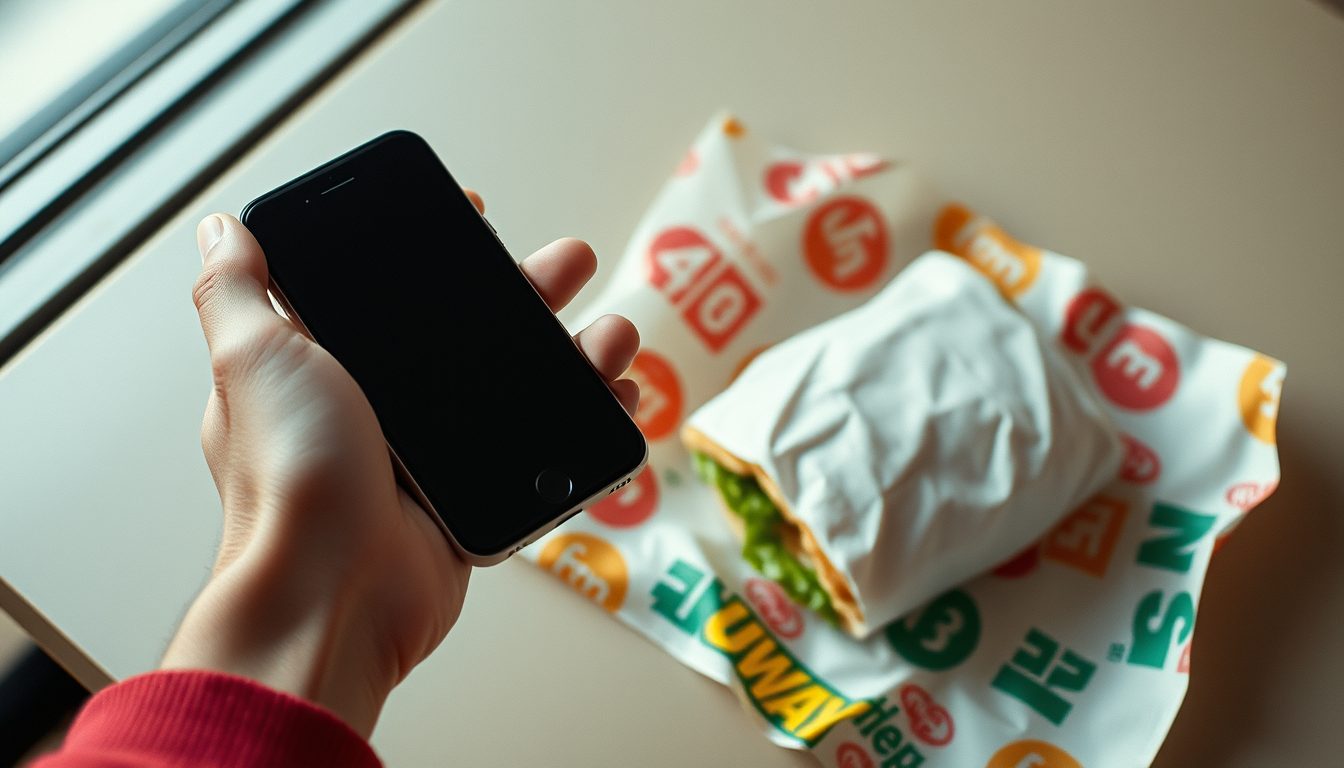
Subway, like many modern applications, uses One-Time Password (OTP) verification as a critical security measure to protect user accounts. This process ensures that only the legitimate account holder can access their profile, place orders, or redeem loyalty rewards. When you interact with the Subway app or website, you may be prompted to enter a unique code sent to your registered phone number to confirm your identity.
This verification step is a standard practice designed to enhance the security of your personal data and transaction history, providing peace of mind when managing your Subway account and enjoying their services.
Understanding One-Time Password (OTP) Verification
An OTP, or One-Time Password, is an automatically generated sequence of characters that authenticates a user for a single transaction or login session. Unlike static passwords, OTPs are typically valid for a very short period, often just a few minutes, and expire immediately after use. This makes them significantly more secure than traditional passwords alone, as they cannot be reused if intercepted.
The concept behind OTPs is straightforward: when you attempt to perform a sensitive action, the system sends a unique code to a pre-registered contact method, usually your mobile phone via SMS. You then enter this code back into the application to verify your identity. This multi-factor authentication (MFA) approach adds an extra layer of security beyond just a username and password, making it much harder for unauthorized individuals to gain access to your account.
Why Subway Uses OTP for Account Security
Subway employs OTP verification for several compelling reasons, primarily centered around safeguarding user accounts and ensuring the integrity of their platform:
- Enhanced Account Security: The primary reason is to protect your account from unauthorized access. Even if someone obtains your password, they cannot log in without the OTP sent to your registered device.
- Preventing Fraud: OTPs help prevent fraudulent orders, unauthorized redemption of loyalty points, or misuse of promotional offers. Each sensitive action requires real-time verification.
- Data Protection: By securing logins and transactions, Subway protects your personal information, order history, and payment details (if stored) from potential breaches.
- Password Reset Protection: When you need to reset your password, an OTP ensures that only you can initiate and complete this critical security process, preventing malicious actors from locking you out of your account.
- Device Recognition: OTPs can be used to verify your identity when logging in from a new device or location, flagging potentially suspicious activity.
When You Might Encounter Subway OTP Verification
You'll typically encounter OTP verification at several key points when using the Subway app or website:
- Initial Account Setup: When you first create an account, an OTP confirms that the phone number you provided is indeed yours.
- Logging In: Especially when logging in from a new device, after a period of inactivity, or if the system detects unusual login attempts, you may be prompted for an OTP.
- Password Reset: If you forget your password and need to reset it, an OTP will be sent to your registered number to confirm your identity before allowing you to set a new one.
- Making Purchases or Redeeming Rewards: While not always mandatory for every order, certain high-value transactions or the redemption of loyalty points might trigger an OTP for added security.
- Updating Account Information: Changing critical details like your email address or phone number may require OTP verification to prevent unauthorized modifications.
Common Issues with OTP Verification and How to Resolve Them
While OTP verification is highly effective, users can sometimes encounter issues:
- No SMS Received: This is a common problem. Check your phone's signal strength, ensure your number is correctly entered, and verify that you haven't accidentally blocked messages from unknown senders. Sometimes, a simple device restart can help.
- Delayed SMS: Network congestion or carrier issues can cause delays. Wait a few minutes before requesting another OTP.
- Incorrect Phone Number: Double-check that the phone number registered with Subway is accurate and up-to-date. If it's incorrect, you'll need to contact Subway support to update it.
- OTP Expired: OTPs are time-sensitive. If you take too long to enter the code, it may expire. Request a new one if this happens.
If you're persistently facing issues despite checking these common points, contacting Subway's customer support directly is always the best course of action for account-specific problems.
Introducing TextReceiveOnline: Your Solution for SMS Verification
There are various situations where using your primary personal phone number for every online verification might not be ideal. Perhaps you value your privacy, are traveling and don't have access to your usual SIM, or simply need a temporary number for a one-off verification. This is where a service like TextReceiveOnline can be incredibly useful.
TextReceiveOnline provides temporary, disposable virtual phone numbers specifically designed for receiving SMS verification codes (OTPs). Our service supports a vast array of apps and websites, including services like Subway, across over 180 countries. We offer a simple, pay-as-you-go model, meaning you only pay for the specific SMS you receive. Our numbers are exclusively for receiving SMS and do not support voice calls.
Why Use a Temporary Number for Subway OTP?
Using a temporary number from TextReceiveOnline for your Subway OTP verification can offer several advantages:
- Enhanced Privacy: Keep your personal phone number private, reducing spam calls and messages linked to your online activities.
- Flexibility for Travel: If you're abroad and don't have access to your usual phone number or a local SIM, a virtual number allows you to receive crucial verification codes.
- Account Management: For users who might manage multiple accounts (e.g., for different family members under separate profiles where allowed by Subway's terms), temporary numbers can be a convenient solution.
- Access to Global Services: Our service provides numbers from numerous countries, which can be beneficial if you need to verify an account tied to a specific region.
- Cost-Effective: With our pay-as-you-go prepaid balance, you only pay for a number when you actually receive an SMS code on it. This makes it a flexible and affordable option for occasional use. You can easily top up your balance using various methods, including crypto. For detailed information, check our pricing page.
It's important to remember that when using a temporary number for any service, you should always adhere to the terms of service of that application. TextReceiveOnline provides the means to receive SMS; how you use that for specific services should always align with their policies.
How TextReceiveOnline Works for Subway OTP Verification
Using TextReceiveOnline for your Subway OTP is a straightforward process:
- Create an Account: First, you'll need to register on our platform.
- Add Funds: Top up your account balance using one of our convenient payment methods, including cryptocurrencies.
- Select a Service and Country: On our dashboard, choose 'Subway' from the list of supported services and select a country for your temporary number.
- Get a Number: Our system will provide you with a unique temporary number.
- Enter the Number into Subway: Use this number in the Subway app or website when prompted for SMS verification.
- Receive the OTP: The OTP will appear instantly on your TextReceiveOnline dashboard.
- Complete Verification: Enter the received code into the Subway app or website to complete your verification.
Our numbers are rented for a specific duration, typically from 1 day up to 4 weeks, ensuring you have enough time to complete your verification and any follow-up actions if needed.
Tips for a Smooth Subway OTP Verification Process
- Keep Your Phone Updated: Ensure your registered phone number with Subway is current and accessible.
- Check Network Coverage: Always ensure you have good mobile network coverage to receive SMS promptly.
- Don't Share OTPs: Never share your OTP with anyone. It's a personal code for your eyes only.
- Be Timely: Enter the OTP as soon as you receive it, as it will expire quickly.
- Review Account Details: Periodically check your Subway account settings to ensure all contact information is accurate.
- Use Reliable Services: If opting for a temporary number, choose a reputable provider like TextReceiveOnline to ensure reliable SMS delivery. For common questions, visit our FAQ page or seek help.
Frequently Asked Questions
What is an OTP and why does Subway use it?
An OTP (One-Time Password) is a unique, time-sensitive code sent to your phone for verification. Subway uses it to enhance account security, prevent unauthorized access, secure transactions, and protect your personal data and loyalty rewards.
What if I don't receive the Subway OTP SMS?
First, check your phone's signal, ensure the registered number is correct, and verify you haven't blocked sender numbers. You can also try restarting your phone or requesting a new OTP. If issues persist, contact Subway's customer support or consider using a temporary number from TextReceiveOnline.
Can I use a temporary number for Subway OTP verification?
Yes, you can use a temporary virtual number from TextReceiveOnline to receive Subway OTPs. This can be beneficial for privacy, flexibility, or if you're traveling. Our service provides numbers for SMS reception only, offering a convenient way to get your verification codes.
Are TextReceiveOnline numbers free to use?
TextReceiveOnline operates on a pay-as-you-go model. You top up a prepaid balance, and a small fee is charged only when a number successfully receives an SMS code. We do not offer free trials or free usage, but we do have free public test numbers available for basic testing.
Related guides
-
 Get Subway Rewards & Offers: The Smart Way with a Virtual Number
-
 Seamless & Secure: Your Guide to Southwest Airlines OTP Verification and Virtual Numbers
-
 Your Guide to the Best Virtual Number Service for SMS & OTP Verification
-
 Get a USA Virtual Phone Number for Instant SMS Verification
-
 Virtual Number Buy: Get SMS Verification Numbers
-
 Temp Phone Num: Get Temporary Numbers for SMS Verification